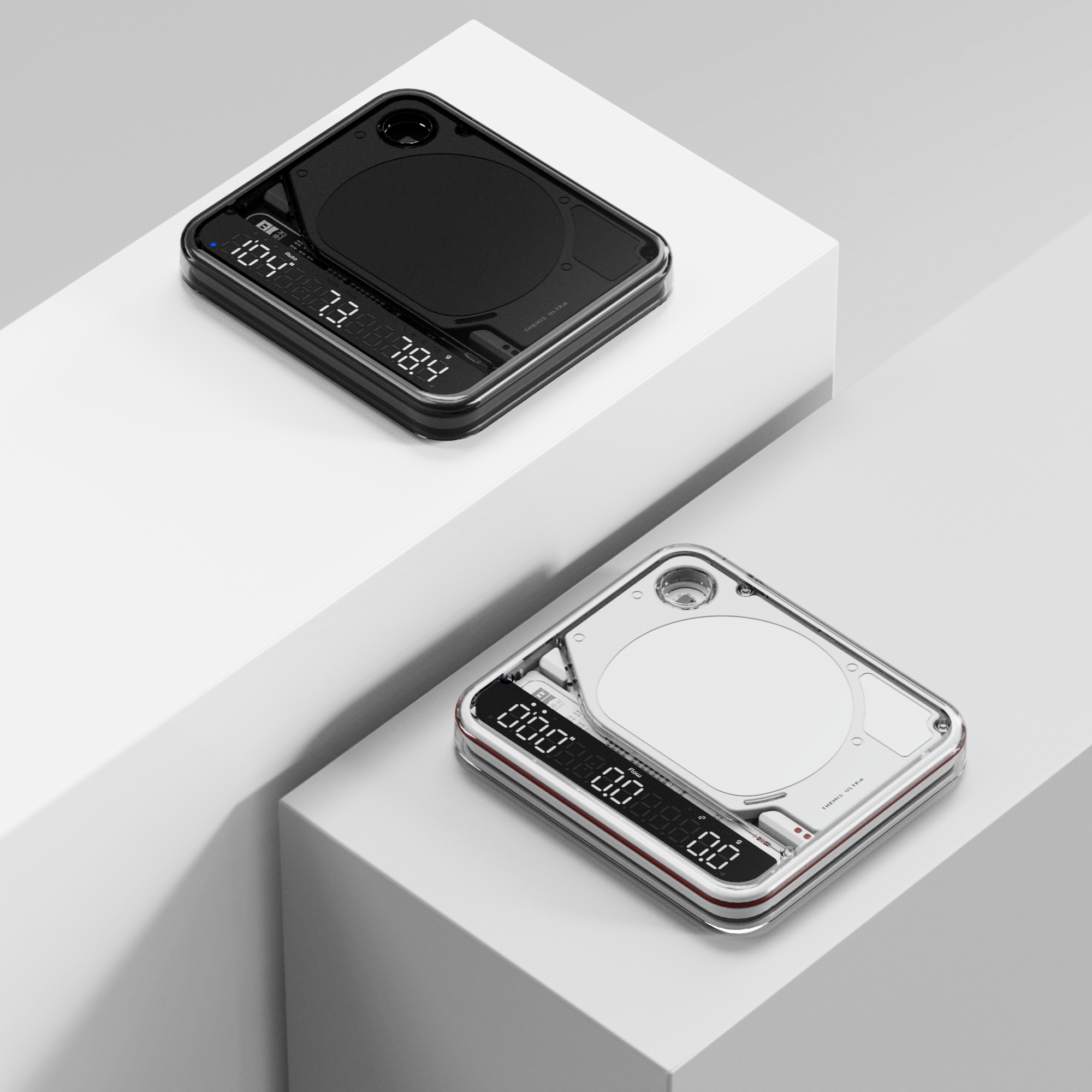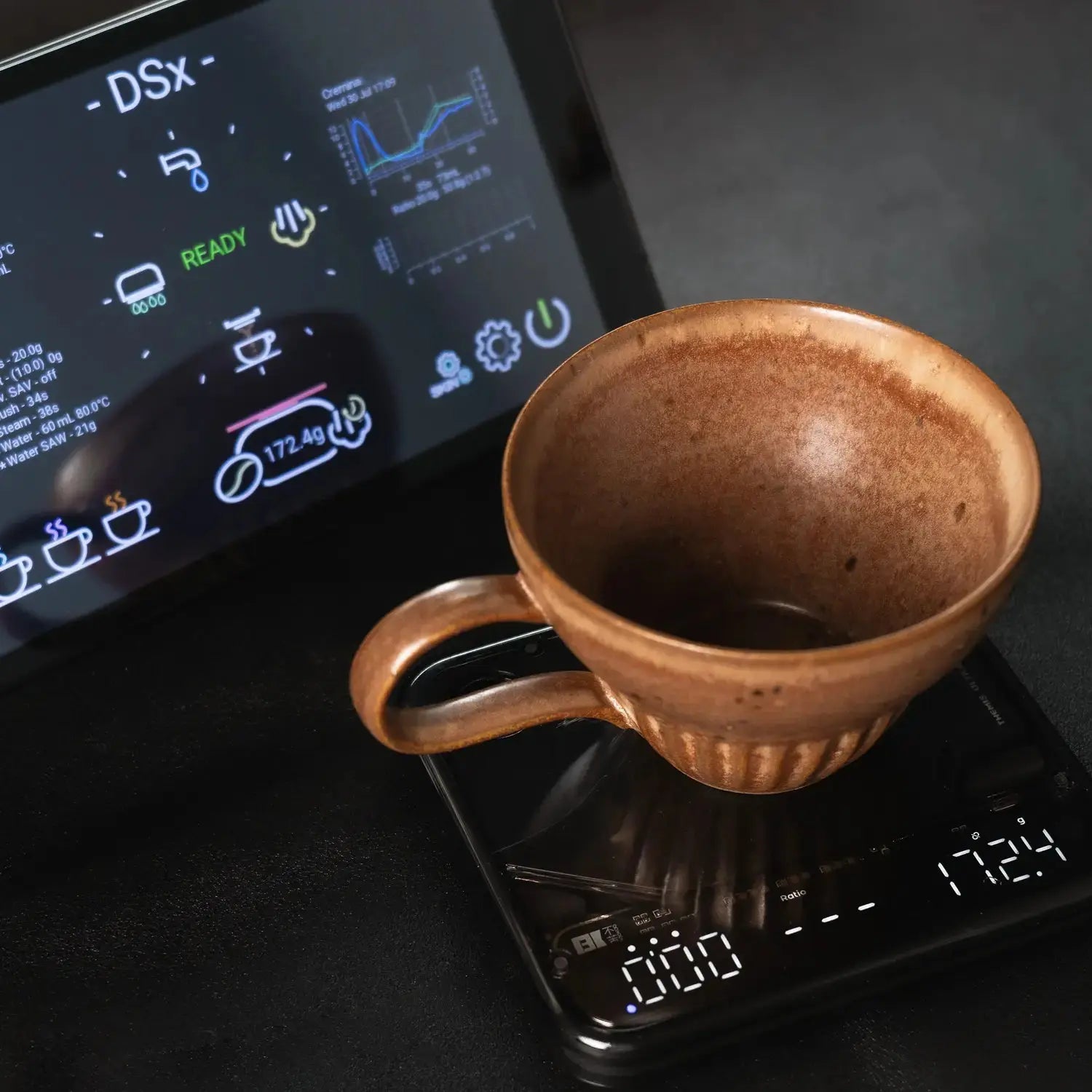

Built for precision. Built to last.
Learn the essentials of the BOOKOO Themis Ultra and get started quickly.

Learn the essentials of the BOOKOO Themis Ultra and get started quickly.
The Themis Ultra Scale cannot be placed directly on the standard platform of Flair 58 or Flair 58 Plus 2.
You can still use it with a drip tray or support underneath, or by positioning the scale vertically.
See setup examples and tips in our Help Center.
Avoid using magnetic cups or placing the scale on metal/induction surfaces, as these can interfere with sensors and capacitive touch buttons.
For full guidance on safe usage and optimal setup, visit our Help Center.
The Themis Ultra Scale allows battery replacement, but user replacement is not recommended due to sealing concerns.
For updates and service details, visit our Help Center.
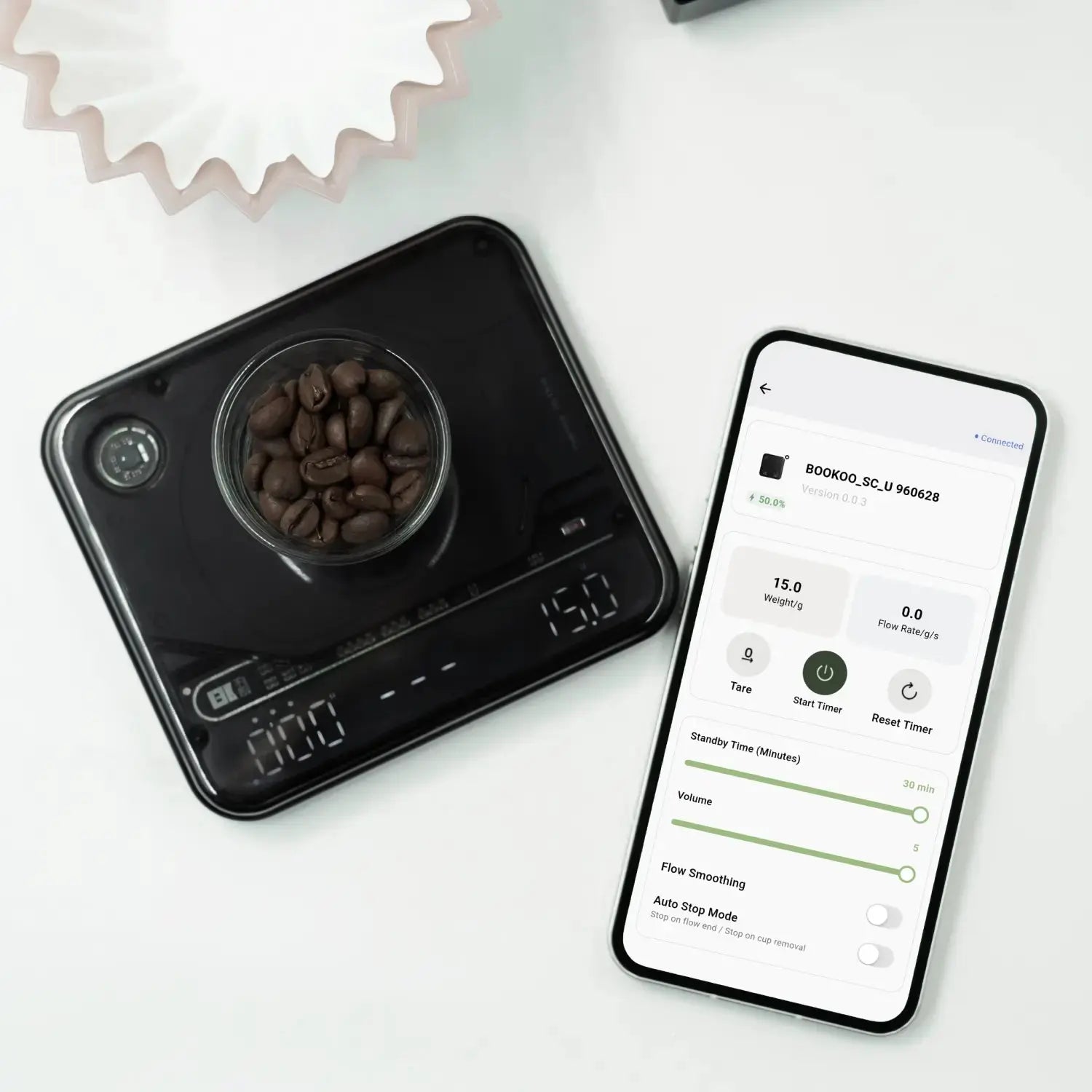
Download BOOKOO N from the App Store (iOS) or Google Play / official APK (Android).
After installation, open the app, enable Bluetooth, grant permissions, and pair your BOOKOO device.
For detailed setup, visit our Help Center.
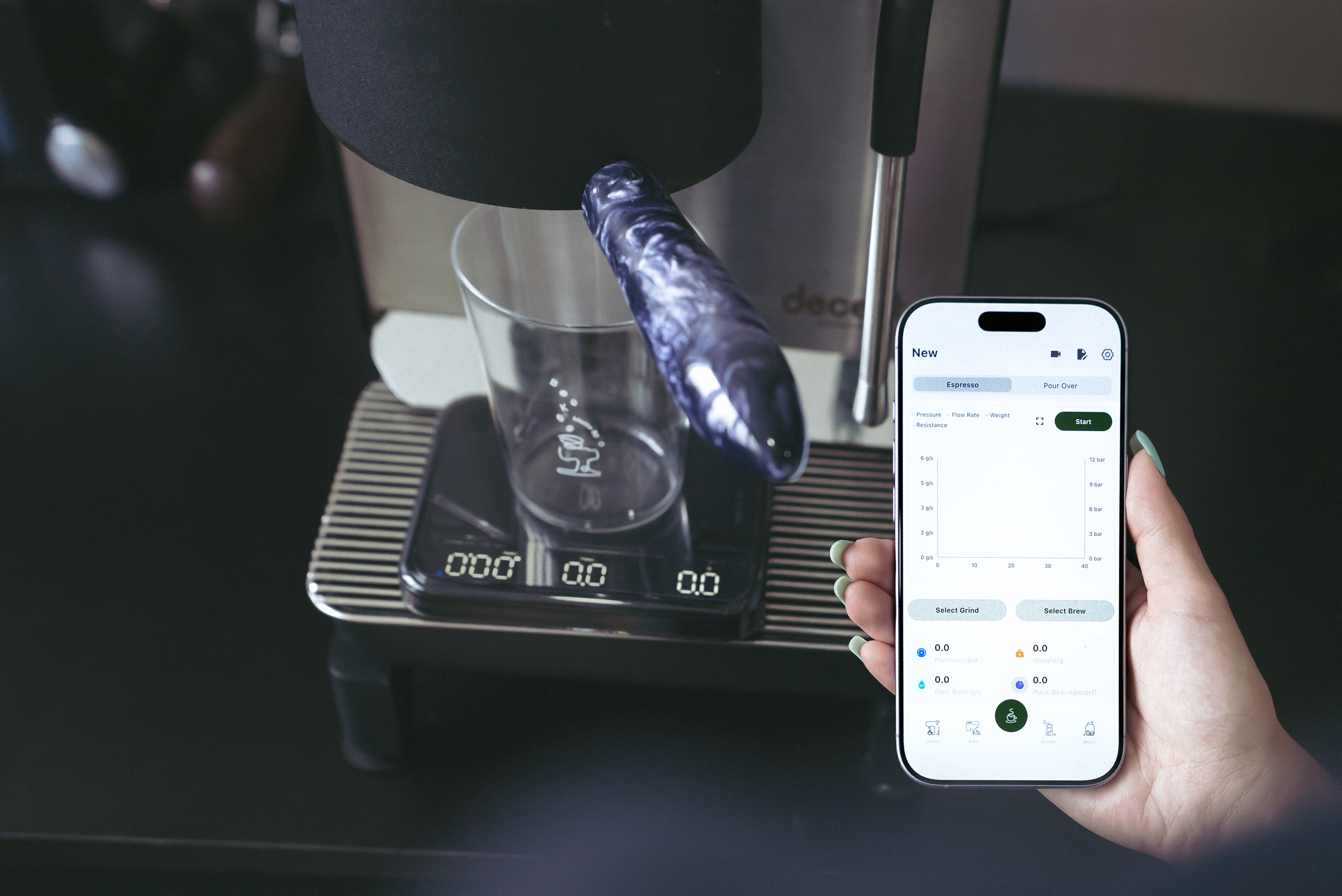
Track your shots, sync your data, and brew smarter with the BOOKOO N App.