

Pocket-sized precision for every brew.
Learn the essentials of the BOOKOO Themis Mini and get started quickly.

Learn the essentials of the BOOKOO Themis Mini and get started quickly.
Sign up now to enjoy an additional year of warranty on your product.
The Themis Mini Scale works with major coffee apps (BOOKOO N App, Beanconqueror, DEESPRESSO) and smart espresso systems such as DECENT and Gaggiuino.
Compatibility may vary by setup—see the full list and integration details in our Help Center.
Place the scale on a stable surface and switch to Flow Rate Mode (one white LED).
Enter calibration mode by pressing the right button 8 times, or via BOOKOO App → Online Calibration, then place a 100 g F1 weight until “PASS/Done” appears.
For detailed steps and troubleshooting, visit our Help Center.
The Themis Mini comes with a protective film pre-applied at the factory, and no additional film is needed for normal use.
You only need to replace it if the original film is damaged or removed.
For detailed instructions, please visit our Help Center.
Turn on Bluetooth on your phone, open the BOOKOO N app, and make sure your BOOKOO device is powered on.
The app will scan automatically—select your device to complete pairing.
For step-by-step instructions and troubleshooting, visit our Help Center.
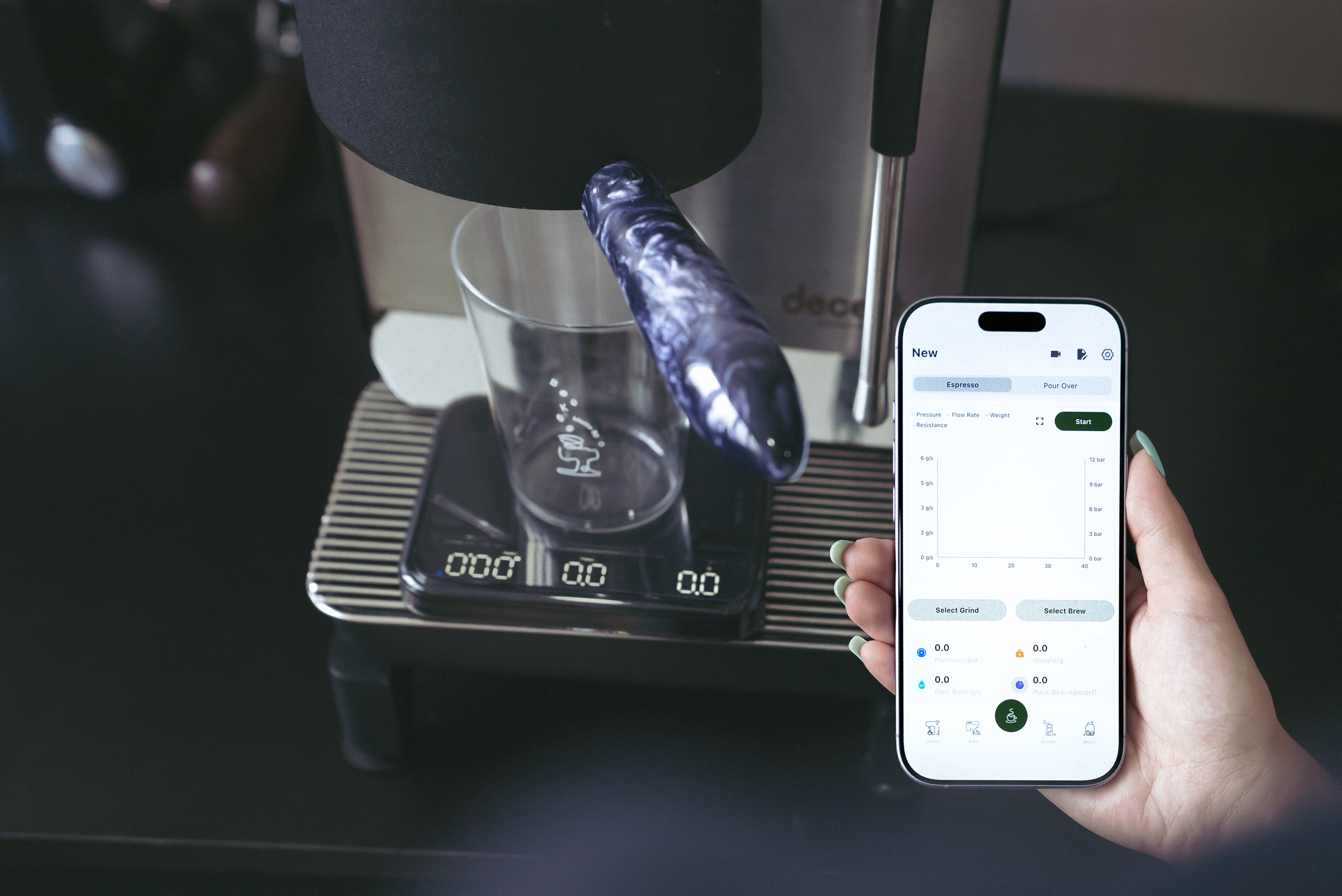
Track your shots, sync your data, and brew smarter with the BOOKOO N App.